General settings
When powering the controller for the first time, you will be asked to choose your general settings, such as your preferred language, location and time settings.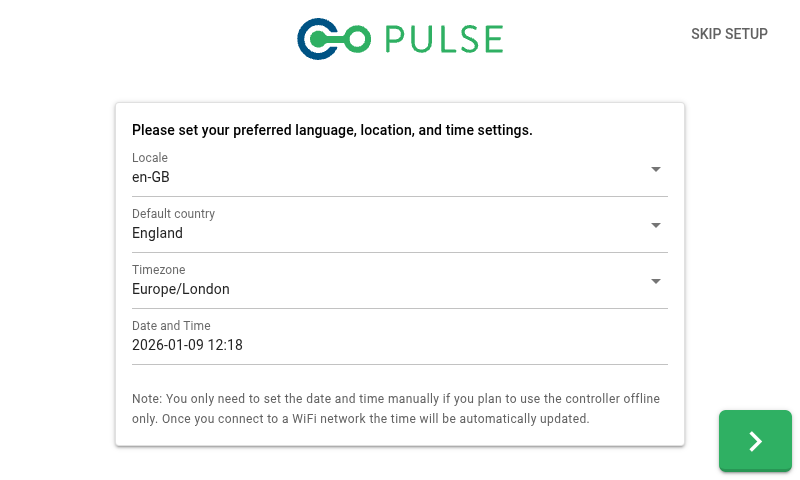
Wi-Fi connection
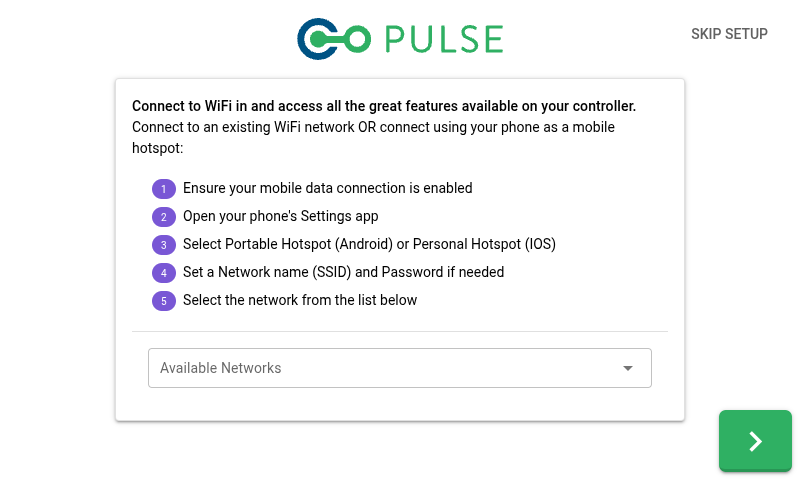
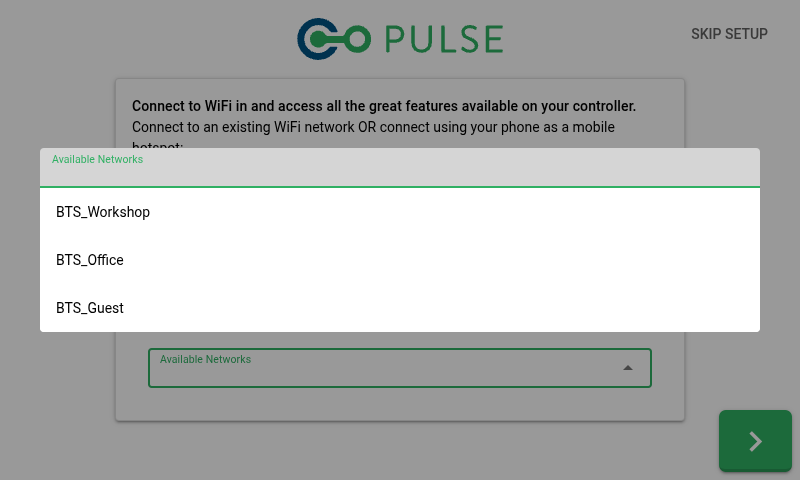
The Pulse 3.0 Controller supports connecting to a Wi-Fi network - this can be either a dedicated Wi-Fi network within the building or a personal hotspot provided by your mobile phone. Connecting to a Wi-Fi network will allow you to access all features available on your controller, such as:- The date and time on the controller being automatically synchronised via the Internet
- Your Pulse tests can be automatically uploaded to your cloud account
- The controller will check for software updates and allow you to download and install the latest version
- Our support team will be able to remotely assist you if any problems arise
User accounts
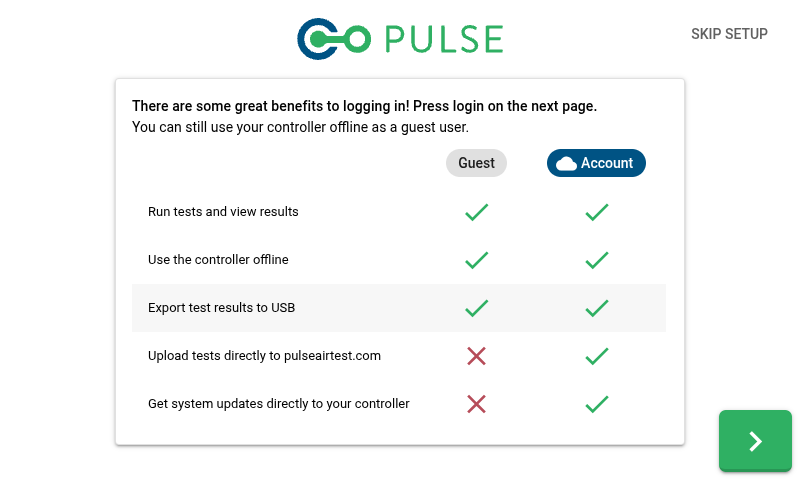
The Pulse software supports two types of users - offline guest users and online cloud users. To log in as an online user, you must connect to a Wi-Fi network when initially logging in. Online users have access to additional features (when connected to Wi-Fi), including:- Your Pulse tests can be automatically uploaded to your cloud account
- The controller will check for software updates and allow you to download and install the latest version