

Accessing Pulse Online
To access your Pulse Online cloud account, go to www.pulseairtest.com. You will be asked to sign in with your email address and password. These login credentials will have been supplied to you when you first purchased the equipment.Pulse Online
Access your cloud account to manage tests and produce test reports.
Sign in page
When you first visit Pulse Online, you will be required to sign in using your email address and password. If you can’t remember your password, you can use the Forgot your password? link to reset it.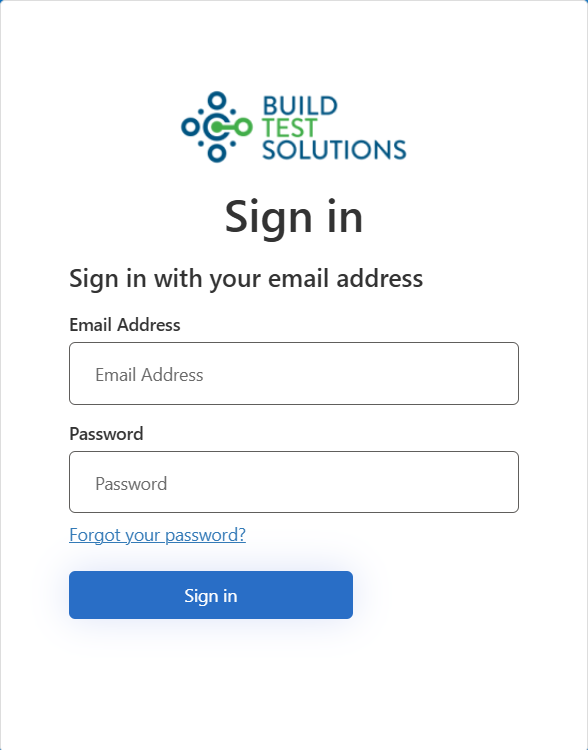
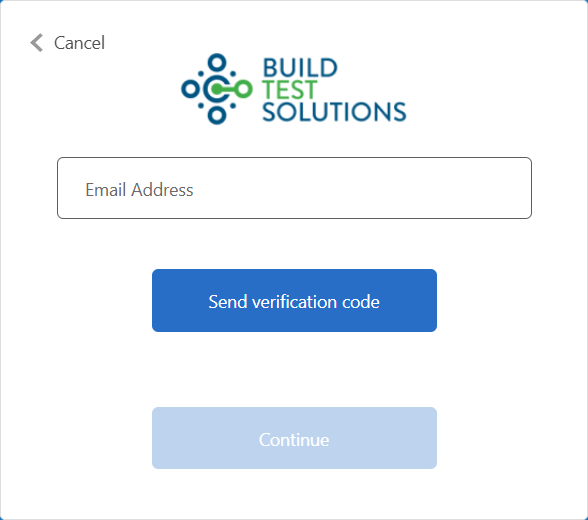
Forgot password page
To reset your password, click the Forgot your password? link on the sign in page, and follow this procedure:- Enter your email address and click Send verification code
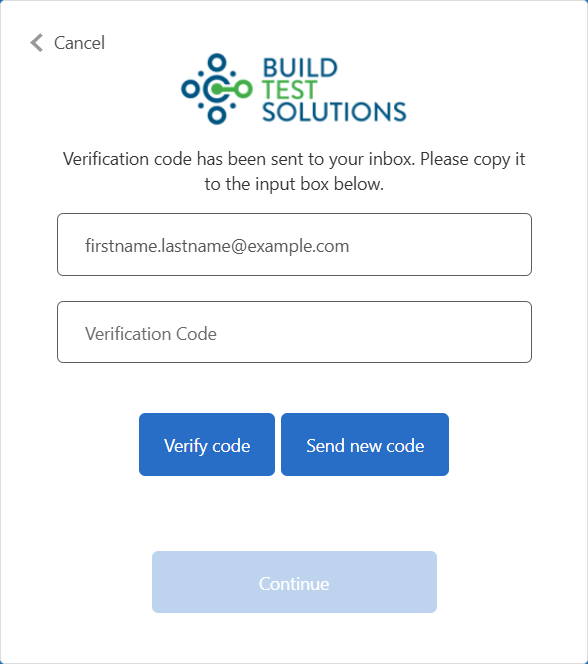
- Check your email inbox and retrieve the 6-digit code that was emailed to you
- Enter the 6-digit code on the page and click the Verify code button
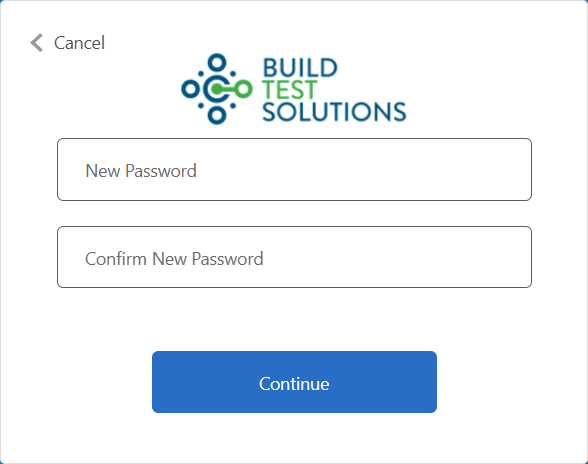
Password complexity requirements
Must be:
- A minimum of 8 characters
- A maximum of 256 characters
- Uppercase character (A-Z)
- Lowercase character (a-z)
- Number (0-9)
- Symbol (@ # $ % ^ & * - _ ! + = [ ] | \ : ’ , . ? / ` ~ ” ( ) ; < >)