> ## Documentation Index
> Fetch the complete documentation index at: https://docs.pulseairtest.com/llms.txt
> Use this file to discover all available pages before exploring further.
# Initial setup
## General settings
When powering the controller for the first time, you will be asked to choose your general settings, such as your preferred language, location and time settings.
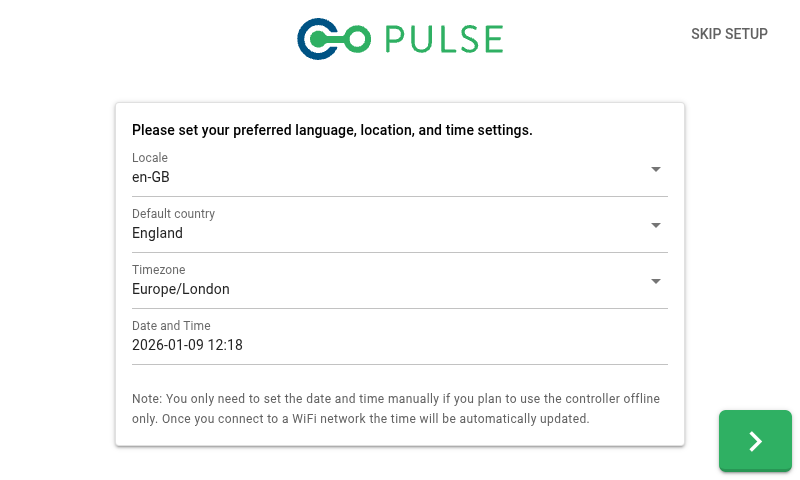 The date and time will be set automatically if you connect to a Wi-Fi network. The date and time only need to be set manually if you plan to use the controller offline.
## Wi-Fi connection
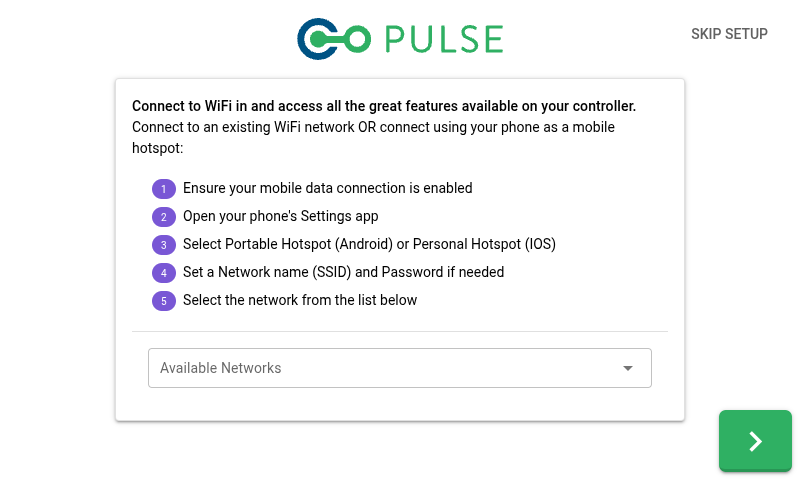
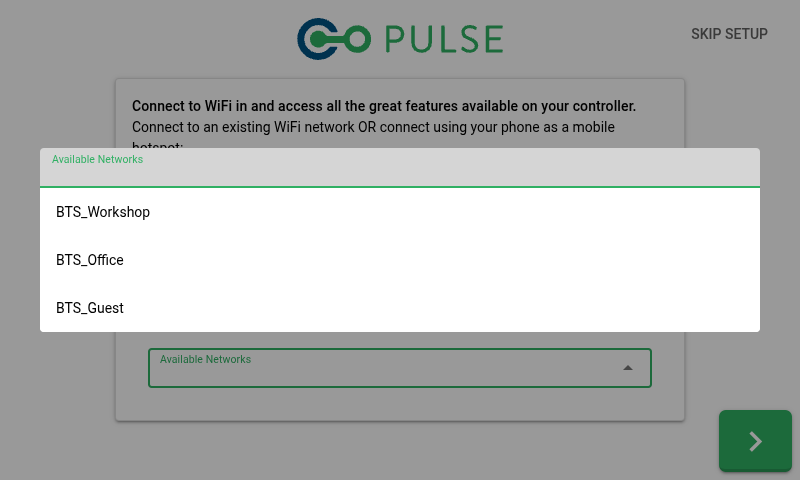
The Pulse 3.0 Controller supports connecting to a Wi-Fi network - this can be either a dedicated Wi-Fi network within the building or a personal hotspot provided by your mobile phone.
Connecting to a Wi-Fi network will allow you to access all features available on your controller, such as:
* The date and time on the controller being automatically synchronised via the Internet
* Your Pulse tests can be automatically uploaded to your cloud account
* The controller will check for software updates and allow you to download and install the latest version
* Our support team will be able to remotely assist you if any problems arise
The date and time will be set automatically if you connect to a Wi-Fi network. The date and time only need to be set manually if you plan to use the controller offline.
## Wi-Fi connection
The Pulse 3.0 Controller supports connecting to a Wi-Fi network - this can be either a dedicated Wi-Fi network within the building or a personal hotspot provided by your mobile phone.
Connecting to a Wi-Fi network will allow you to access all features available on your controller, such as:
* The date and time on the controller being automatically synchronised via the Internet
* Your Pulse tests can be automatically uploaded to your cloud account
* The controller will check for software updates and allow you to download and install the latest version
* Our support team will be able to remotely assist you if any problems arise
 ## User accounts
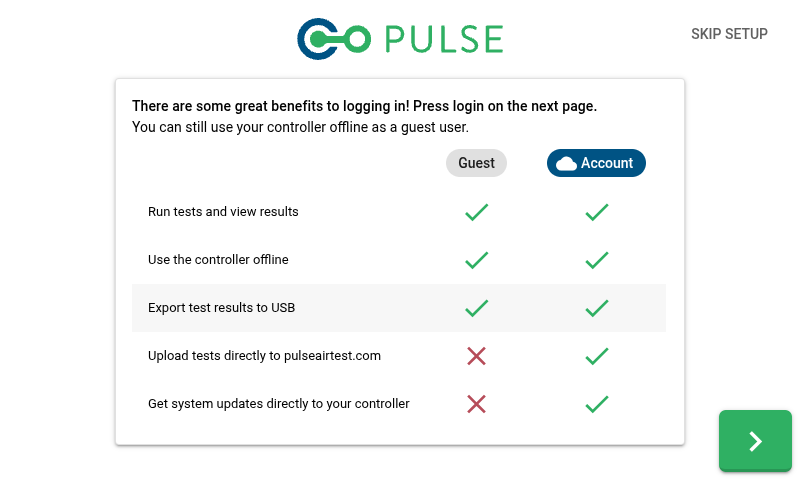
The Pulse software supports two types of users - offline guest users and online cloud users. To log in as an online user, you must connect to a Wi-Fi network when initially logging in.
Online users have access to additional features (when connected to Wi-Fi), including:
* Your Pulse tests can be automatically uploaded to your cloud account
* The controller will check for software updates and allow you to download and install the latest version
## User accounts
The Pulse software supports two types of users - offline guest users and online cloud users. To log in as an online user, you must connect to a Wi-Fi network when initially logging in.
Online users have access to additional features (when connected to Wi-Fi), including:
* Your Pulse tests can be automatically uploaded to your cloud account
* The controller will check for software updates and allow you to download and install the latest version